
NOTE: This is not a standalone module. It requires Perfex CRM application installed. This is a module for Perfex CRM.
1. Product Introduction
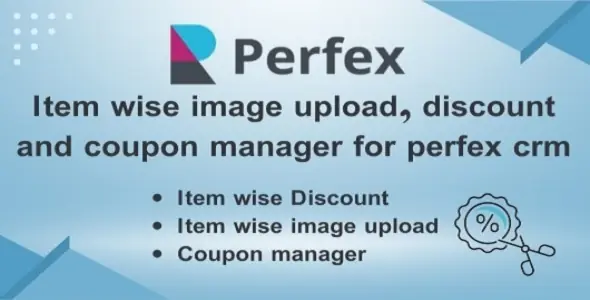
Item Wise Image Upload, Discount and Coupon Manager is a comprehensive Perfex CRM add-on that enhances item lines in invoices, proposals, and estimates by adding powerful discount functionality, image uploads, and coupon code management.
The module is designed with flexibility in mind, allowing each feature to be enabled or disabled independently based on your business needs.
2. Why Choose This Module?
Item Wise Image Upload, Discount and Coupon Manager is designed to give you complete control over item-level pricing, presentation, and promotions in Perfex CRM.
Unlike basic discount or image add-ons, this module combines discounts, images, and coupons into one powerful and flexible all-in-one solution.
The Unified Sales Workflow
This module bridges the gap between Sales Promotions and Fulfillment Accuracy:
3. FeaturesKey Benefits
Detailed Features1. Item Wise Discount System
2. Item Wise Image Upload System
3. Coupon Code System
4. Settings Integration
4. Usage Guide
When creating an item, users can upload single or multiple images, and when editing, they can upload new images or delete existing ones.
1. Create or Edit Document
Create or edit an Invoice, Proposal, or Estimate. When creating, item-wise images will automatically appear. When editing, you can change or delete these images if needed.
2. Enter Discount Value
In the items table, you’ll see a Discount column. Enter a discount value:
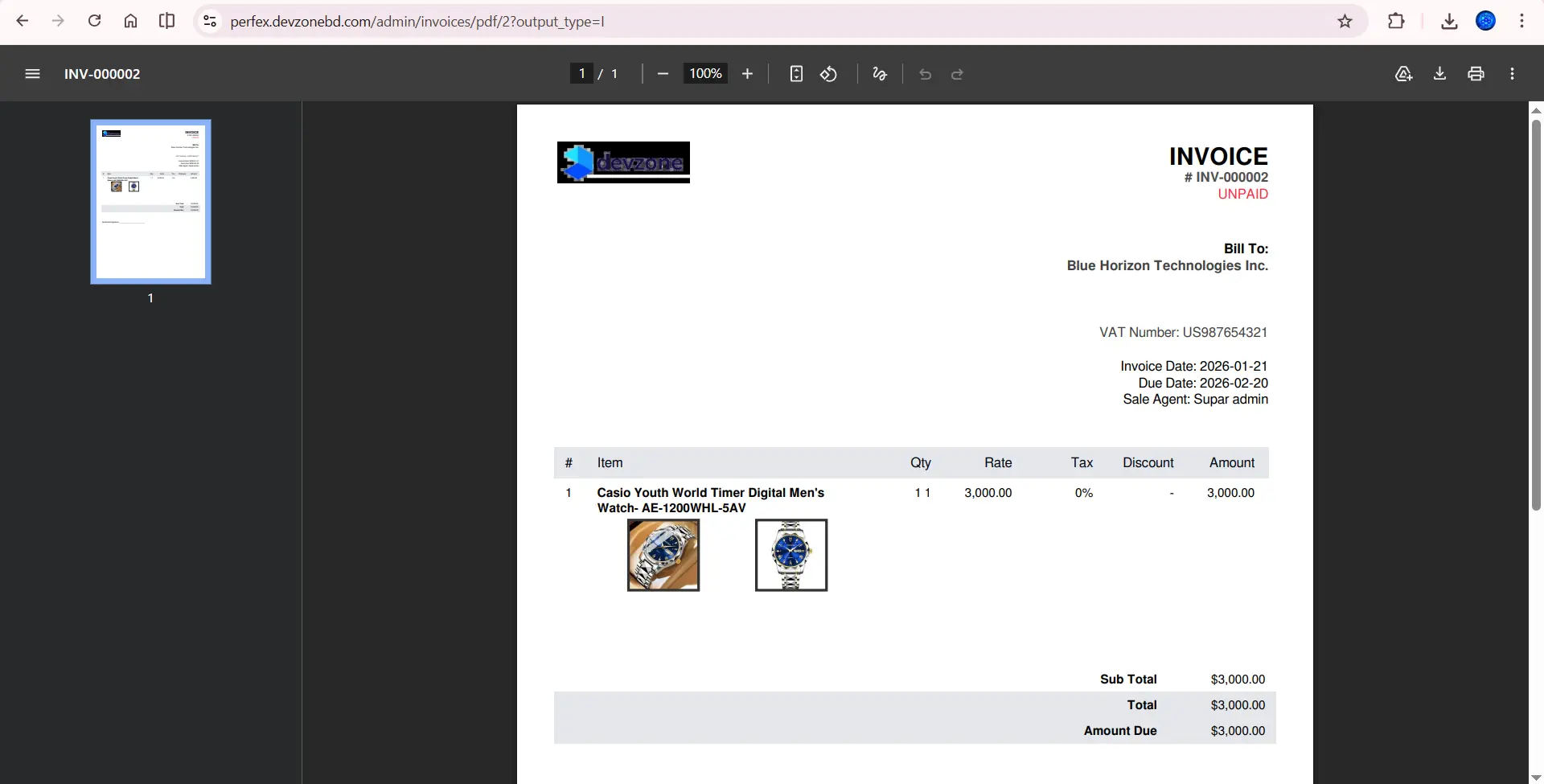
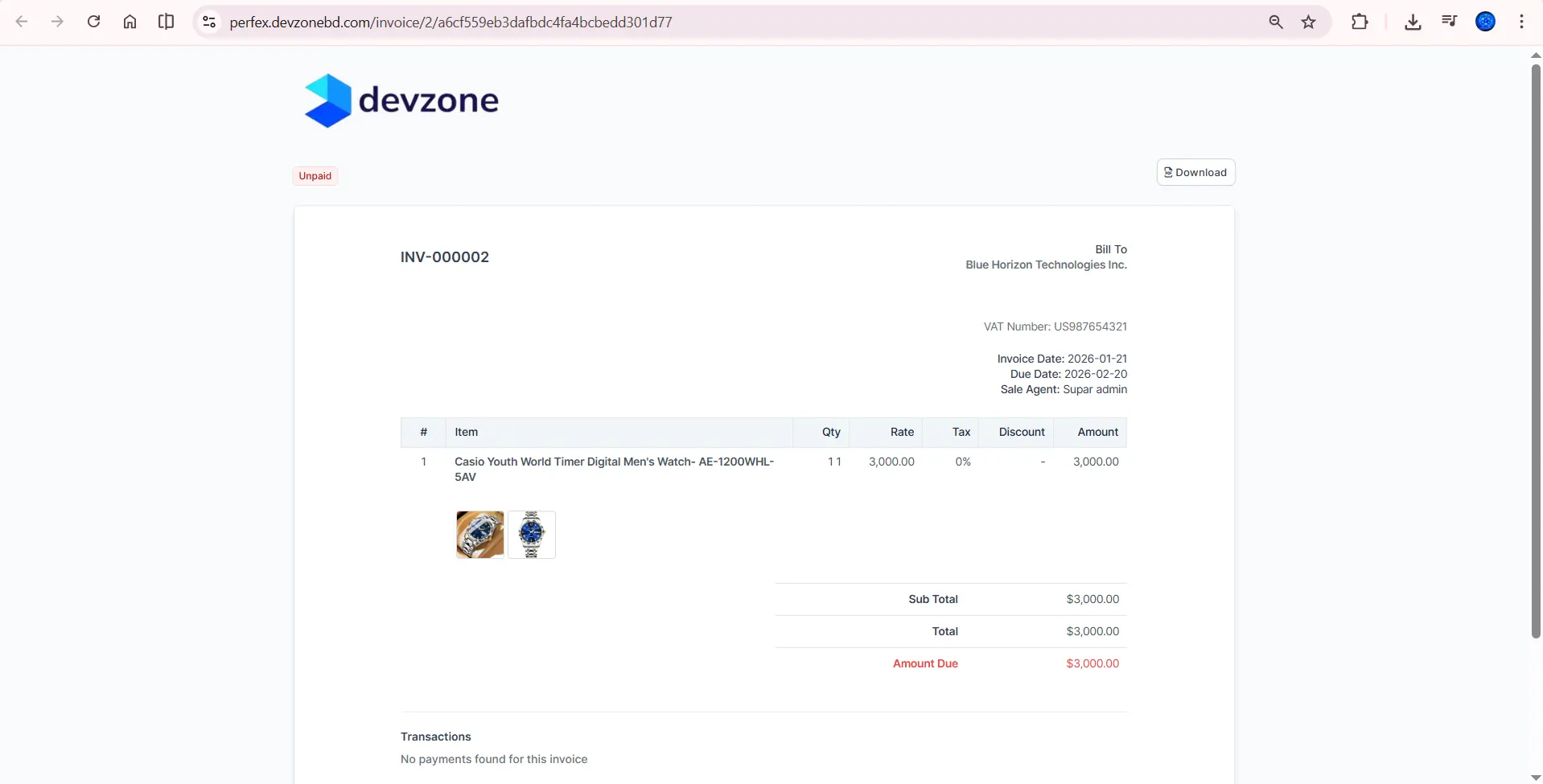
The “View PDF” and “View Invoice as Customer” interfaces display item-wise images for each item.
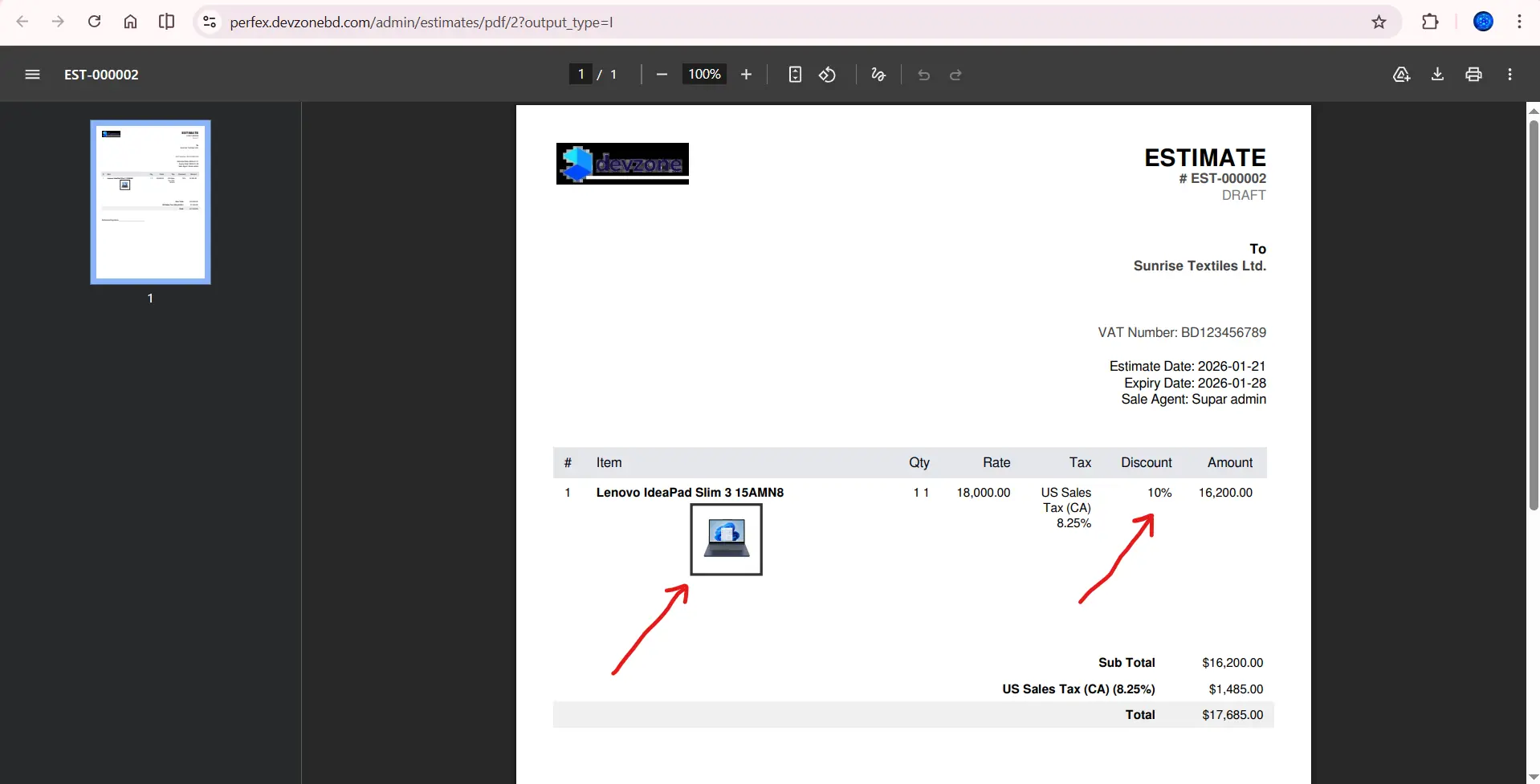
Item-wise discount can be applied per item in invoices, proposals, and estimates.
The ‘View PDF’ and ‘View Invoice as Customer’ interfaces display item-wise images for each item, and item-wise discounts are also shown per item.
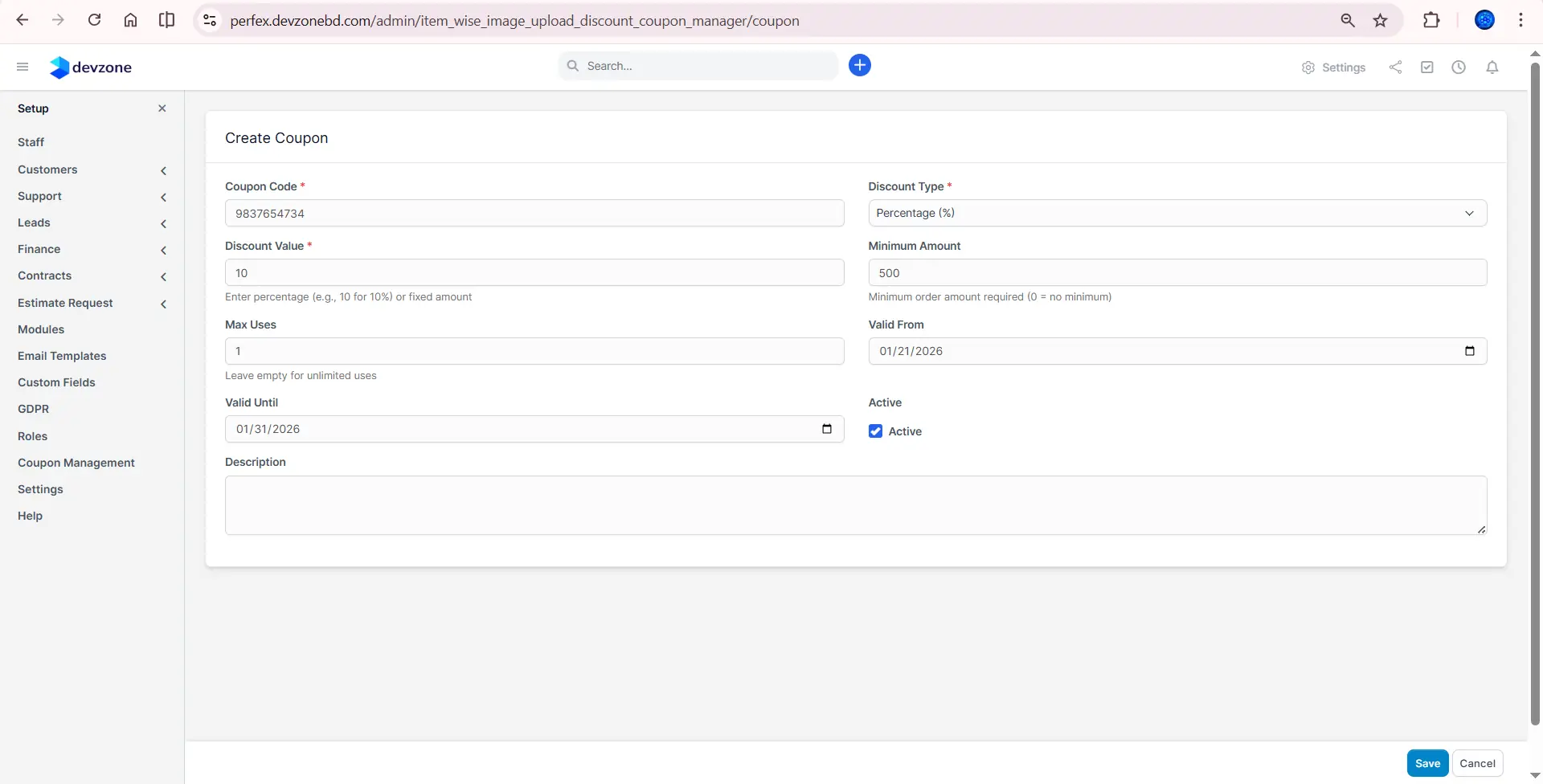
Coupons can be added, and discounts can be applied using these coupons.
Discounts can be applied per item or using coupons.
Enable Module:
1. Go to Setup → Modules or admin/modules.
2. Find the module you want and click Activate.
3. Go to Settings → Item Wise Images Upload / Discount / Coupon.
4. Enable the features you need:
• Enable Coupon
• Enable Item Wise Discount
• Enable Item Wise Image Upload
5. Click Save to apply the changes.
5. Product Live Demo
Test the module through a live demo before making a purchase: View Demo
Demo Credentials:
Admin: admin@devzonebd.com
Password: 123456
Staff: staff@devzonebd.com
Password: 123456
6. Updates & ChangelogVersion 1.0.0 (28.01.2026)
7. Product InstallationPrerequisites
Step 1: Upload Module Files
Choose one of the two methods below to add the module to your system:
Option A: Standard Zip Upload (Recommended)
Use the built-in Perfex CRM module uploader:
Option B: Manual Upload (FTP/File Manager)
The module folder should be named: item_wise_image_upload_discount_coupon_manager
Copy the entire folder to your Perfex CRM modules/ directory manually.
Step 2: Activate Module
Go to Setup → Modules.
Find the module in your list and click Activate.
Step 3: Configure Settings
Go to Settings → Item Wise Images Upload/ Discount / Coupon
Click Save to apply changes.
8. Suggest Features or Request Customized Work
We actively listen to user feedback and continuously improve this module.
If you have a feature suggestion, business-specific requirement, or need customized functionality, feel free to reach out.
Published:
Feb 02, 2026 04:45 PM
Version:
v3.3.1
Category: